AI and Photo Editing
How to Increase E-commerce Conversions With AI-Generated Photo Editing Services in Product Photography Optimization
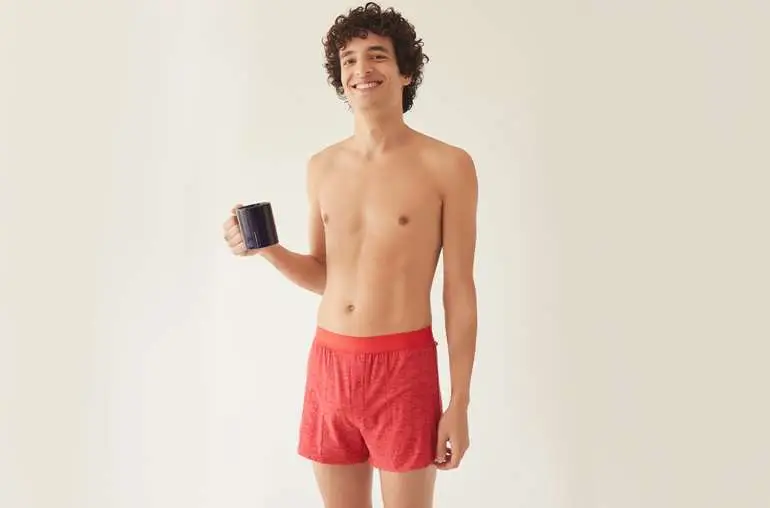
Customers decide in a fraction of a second whether your product is worth clicking. That first judgment comes from the photo, not the description. AI-assisted photo editing helps stores produce clearer, more consistent product photos faster, and clearer photos support conversions by building trust, answering questions visually, and reducing surprises on delivery.
Why photo quality drives the click
Shoppers scan listings quickly. A sharp hero image with a clean background and true color earns the click, while a cluttered or dull image gets skipped. Secondary images then do the convincing: alternate angles, detail close-ups, scale views, and lifestyle context that answer the questions a shopper would ask in a store.
What AI-assisted editing improves
AI tools speed up background removal, batch resizing, and first-pass cleanup, which helps large catalogs stay consistent. They also help generate lifestyle context and variations at scale. The gain is real, but it comes with a condition: every AI output needs human review for product accuracy, because AI can invent detail, shift color, or soften texture in ways shoppers will notice.
Where human review protects conversions
Human retouching checks shape, color, text, logos, and texture against the real product, and keeps one brand standard across all views. This matters most for jewelry, apparel, and beauty products, where small errors break trust. A photo that looks perfect but shows the wrong color or shape does not convert well for long, since returns and complaints follow.
Optimization steps that support conversions
Start with the hero image: clean background, product filling most of the frame, sharp detail. Add alternate angles and a detail close-up so shoppers can inspect quality. Add a scale or lifestyle view so size and use are clear. Keep color consistent across every view, keep file sizes fast for mobile, and keep backgrounds consistent across the catalog so the store feels professional.
Testing what works
Compare image sets on real shopper behavior: clicks, time on the listing, questions asked, and returns linked to photo mismatch. Test one change at a time, such as a new hero image or an added detail shot, so you know what actually helped. Keep the winning set as the new standard and roll it out to similar products.