1. Request a Quote or Trial
Fill up the free trial form or request a customized volume price quote with your exact guidelines.
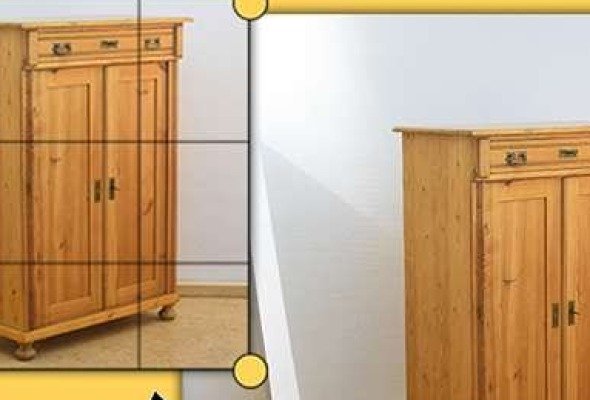
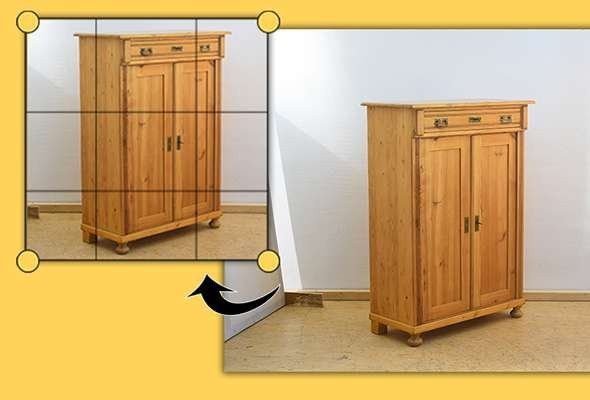
Cropping trims a photo to improve framing and remove distractions, while resizing changes its pixel dimensions and file size for each place it will be used. Together they prepare one master photo for marketplaces, social media, advertising, and print, each in the right size and shape.

Four simple steps to pixel-perfect photo deliverables.
Fill up the free trial form or request a customized volume price quote with your exact guidelines.
Upload through the dashboard, Dropbox, Google Drive, WeTransfer, or high-speed encrypted FTP.
Master retouchers hand-draw paths and perform strict 2-tier quality control before final export.
Download production-ready images with free unlimited revisions included.
Cropping involves trimming off the outer borders of an image to change its framing, eliminate background distractions, or alter the aspect ratio. Resizing alters the total pixel dimensions (e.g. from 4000x3000px down to 1200x900px) or file weight without removing visual elements. Our service seamlessly integrates both steps to achieve optimal composition and rapid web performance.
No. When downsampling images, we use advanced Bicubic Sharper and Lanczos resampling algorithms combined with post-scale unsharp masking. This guarantees that fine textures, garment weaves, jewelry facets, and text markings remain crisp and legible at any scale without pixelation.
We support all current social media specifications, including Instagram Feed (1:1 and 4:5), Instagram/TikTok Stories and Reels (9:16 vertical), Facebook Link Posts (1.91:1 / 1200x628px), YouTube Thumbnails (16:9 / 1280x720px), and circular avatar profile safe zones so key features are never cut off.
We never stretch, squish, or distort your subject. To adapt a portrait or square shot to an ultra-wide panoramic header, we utilize generative background extension and smart canvas padding to fill the outer margins while keeping the subject at its natural, undistorted proportions.
Send sample images and judge the quality yourself. No card, no commitment.