Collection grid breaks
Mixed ratios and backgrounds make the grid look untidy. We lock one ratio, one background and one white point across the whole catalogue, so image 400 matches image 1.
Shopify has no marketplace police — the buyer is you, and the quality gate is your catalogue. What breaks a Shopify store is inconsistency: mixed ratios, mixed backgrounds, mixed white points, and images heavy enough to slow the page. We standardise whole catalogues to one written spec sheet, at 2048 × 2048 and under 200 KB, with theme-ready hero and collection images.
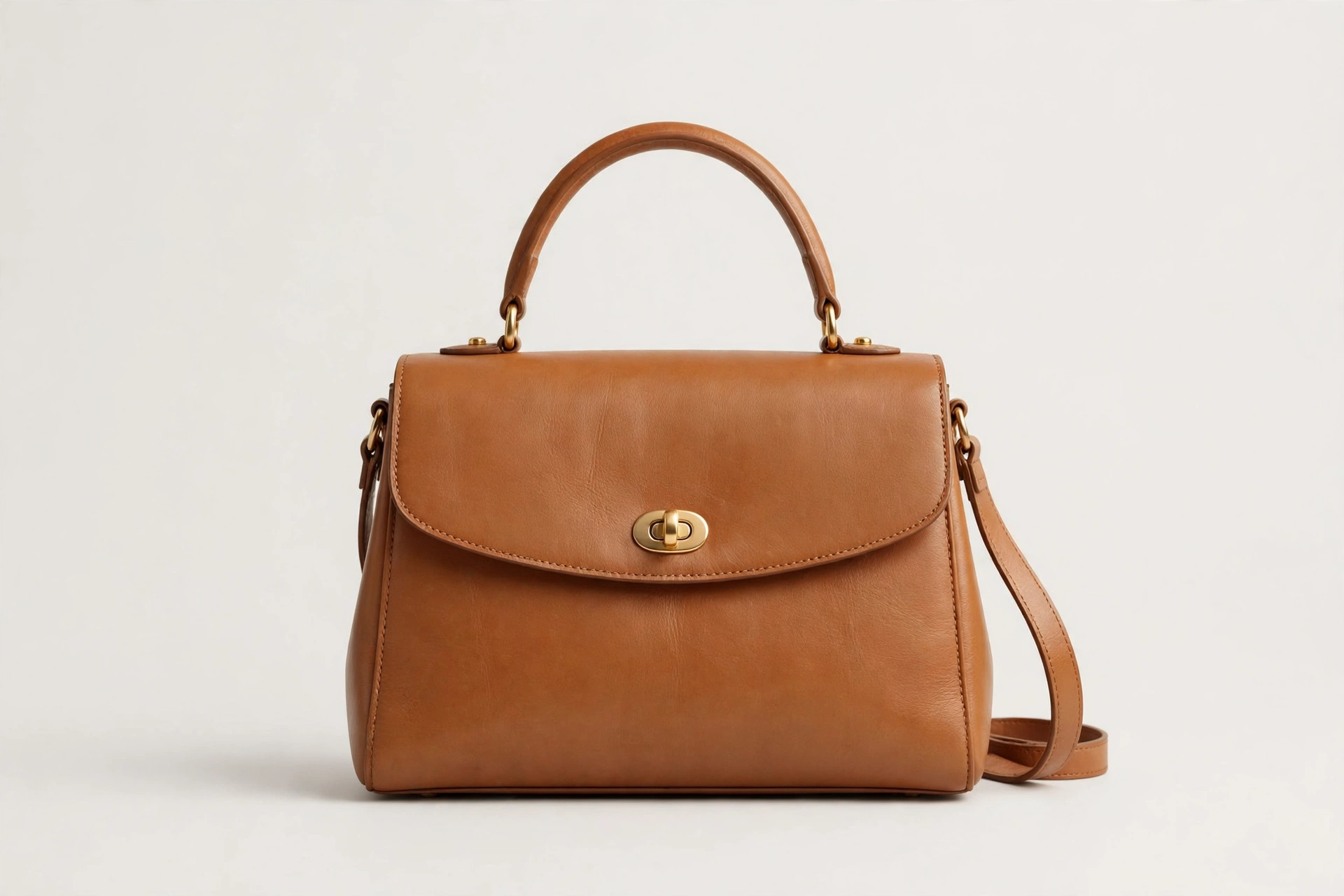
Mixed ratios and backgrounds make the grid look untidy. We lock one ratio, one background and one white point across the whole catalogue, so image 400 matches image 1.
The hero is usually the largest contentful paint element. We deliver WebP under 200 KB per product image, so the page stays fast.
Shopify publishes no banner size, so the theme decides. We ask for your theme name first, then deliver the hero master for it, with a wide version only if the theme requests it.
Each variant gets exactly one assigned image. We name files by SKU and variant, so the right image shows when the buyer picks an option.
Image editing, listing service and store management, for Shopify sellers, from one shoot.
Catalogue standardisation to your spec sheet
2048 × 2048 WebP under 200 KB target
Background, shadow & colour matched
Ghost mannequin for apparel
Colour variants from one master
Named by SKU
Product descriptions & SEO titles and meta
Variant images, one per variant
Collection images at 2048 px
Alt text included
Hero & slideshow master 1920 × 1080
Theme & LCP audits
Shopping feed checks
Maintained catalogue style guide
Video & 3D media prep
Mobile crop check, centre 60%
Shopify publishes no banner size, so the theme decides. These are the working sizes for products, collections and heroes.
| Rule | What Shopify requires |
|---|---|
| Product image | 2048 × 2048 px square recommended; about 800 × 800 minimum for zoom |
| Maximum | 5000 × 5000 px or 25 megapixels; under 20 MB |
| Formats | PNG, JPEG, WebP and more; Shopify's CDN serves the best format per browser |
| File weight | Target under 200 KB per product image, under 500 KB absolute; the hero drives page speed |
| Hero / slideshow | 1920 × 1080 desktop; Dawn image banner 1600 × 1050; mobile hero 800 × 1200 |
| Collection image | 2048 px on the long side; featured collection tile 800 × 800 in Dawn |
| Logo | About 400–600 px wide |
| Video / 3D | Video up to 10 min, 1 GB, 4K; 3D models GLB / USDZ up to 500 MB |
| Ratios | 1:1 square for collections; 4:5 portrait (2048 × 2560) for fashion and tall products |
| Alt text | 125 characters or fewer recommended; 512 character cap |
Last checked November 2026. Marketplace rules change without notice, so verify every size in the seller dashboard before a large upload.
Hero size conflict, flagged openly: theme-code sources recommend 3840 × 1600 for some themes while others recommend 1920 × 1080. We deliver the 1920 × 1080 master, plus a 3,840 px version only if your theme requests it.
Mixed ratios, backgrounds or white points across the catalogue
Images heavy enough to slow the page and hurt Largest Contentful Paint
Hero banners cropped wrong on mobile
Text baked into product images that feed Google Shopping (price, CTA, promo, watermark and border are banned there)
Variant images assigned to the wrong variant
2048 × 2048, or the agreed 4:5 portrait ratio
Under 200 KB target
One ratio, background and white point across the whole batch — image 1 compared with image 400
Variant images assigned to the right variant
Alt text 125 characters or fewer
Hero 1920 × 1080, under 300–500 KB, WebP
Five steps, from your photos to finished images.
Send your highest-resolution originals, your SKU list and your brand kit through Google Drive, Dropbox, WeTransfer or FTP.
We edit a free sample of 5 to 10 images first, so you see the look before you commit to anything.
Nothing scales before you approve the sample. Colours, crop, shadow and style are locked in at this step.
We edit and design in batches, named by SKU and delivered in per-channel folders, so you can upload as you go.
Every batch passes a two-person check plus a marketplace compliance pass, then arrives in upload-ready folders with an open-items note.
Free sample first, then a package that fits the job.
$0.49–$0.99
per image by volume
$99
per store
from $299/mo
monthly retainer
Hero size conflict, flagged openly: theme-code sources recommend 3840 × 1600 for some themes while others recommend 1920 × 1080. We deliver the 1920 × 1080 master, plus a 3,840 px version only if your theme requests it, which is why the brief asks for your theme name.
2048 × 2048 px square, under 200 KB as WebP. That is the size Shopify's own help says usually displays best, and it keeps zoom working without slowing the page.
Because the images differ: mixed ratios, mixed backgrounds, mixed white points. We standardise the whole catalogue to one written spec sheet, agreed before editing starts, so image 400 matches image 1.
It depends on the theme. Shopify publishes no banner size, so we ask for your theme name first: the working master is 1920 × 1080, and a 3,840 px wide version is delivered only if your theme requests it.
Yes. Store copy is part of the service: product descriptions, SEO titles and meta descriptions for the store's own search ranking, written in your brand voice.
Ongoing catalogue editing to one spec, new product batches prioritised, monthly image-weight and feed checks, and a style guide that is kept and updated as your range grows.
Image editing is 24 hours standard; a few hundred SKUs take 3 to 5 working days. Final turnaround is confirmed before work starts.
Send 5 to 10 images and we edit them free, so you see the look before you commit. No card required.
Send sample images and judge the quality yourself. No card, no commitment.
Amazon, eBay, Etsy and Shopify are trademarks of their respective owners. Image Editing Asia is an independent photo editing service and is not affiliated with, endorsed by, or sponsored by Amazon.com, Inc., eBay Inc., Etsy, Inc., or Shopify Inc.